



Tips on Using the MAZDA3 Navigation System
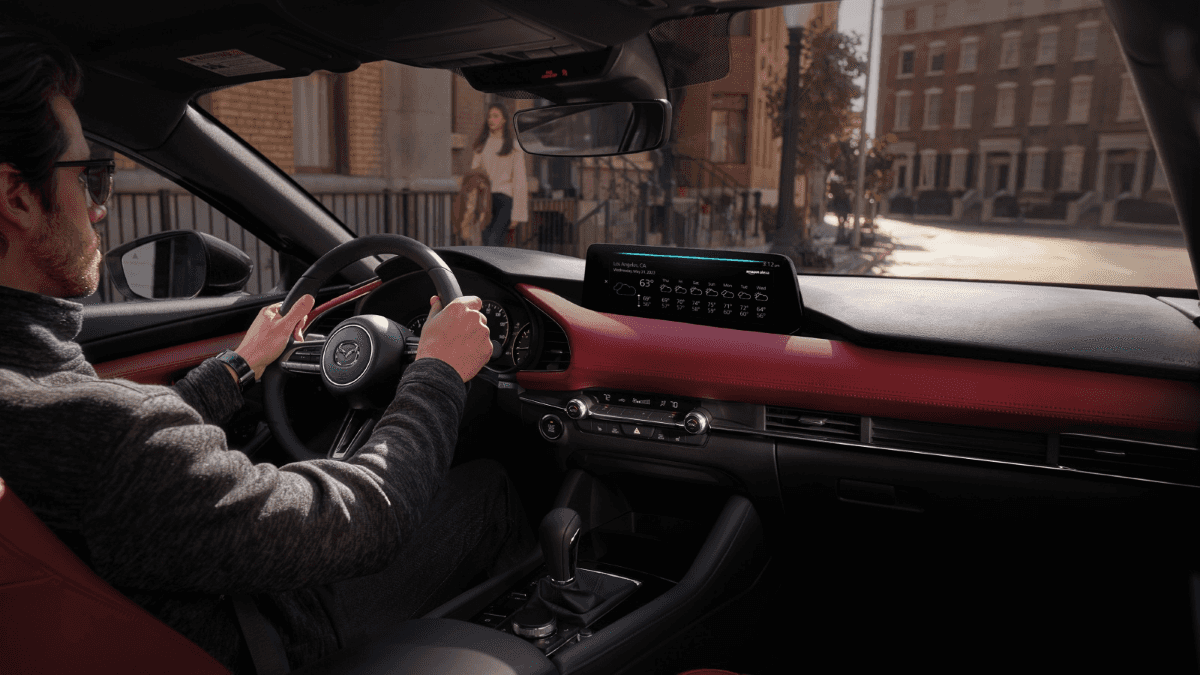
Traveling to new places can be overwhelming when you’re uncertain about where to go. The Mazda3 navigation system ensures you always stay in the know. North Penn Mazda shares helpful tips for using the system in your new sedan or hatchback.
Using the MAZDA3 Navigation System
The Mazda Online Navigation System with Off-Road Navigation Function is included in the Turbo Premium Plus models in the 2026 Mazda3 Sedan and Hatchback, as well as the Premium model in the hatchback. You can access the system by pressing the NAV button or connecting through your touchscreen.
If you prefer, you can use the voice command button on your steering wheel and say “address search” with your desired destination address. You can also push destinations directly to your car with the MyMazda App.
Staying Safe
It’s easy to stay safe with the system, which reads your turn-by-turn directions out loud. It also adjusts your entertainment volume, when necessary, to ensure you can hear everything clearly. As an added precaution, the directions are also projected on the windshield’s Head-Up Display (if equipped), so you can keep your eyes fixed on the road.
Updating the System
You can easily stay up to date with Mazda Connected Services™, which delivers over-the-air software updates straight to your vehicle. This feature is included complimentary with a one-year trial subscription. To keep your map data current, simply update the accessory SD card using the Mazda Toolbox app rather than replacing it.
Explore Our New MAZDA Models in Colmar, PA
There’s a certain confidence that comes with traveling with the Mazda3 navigation system. We’d be happy to help you upgrade to one of your own. Visit North Penn Mazda to explore the 2026 Mazda3 Sedan or Hatchback and take one home today!
0 comment(s) so far on Tips on Using the MAZDA3 Navigation System