



How to Check Gas Mileage on Your New MAZDA Vehicle
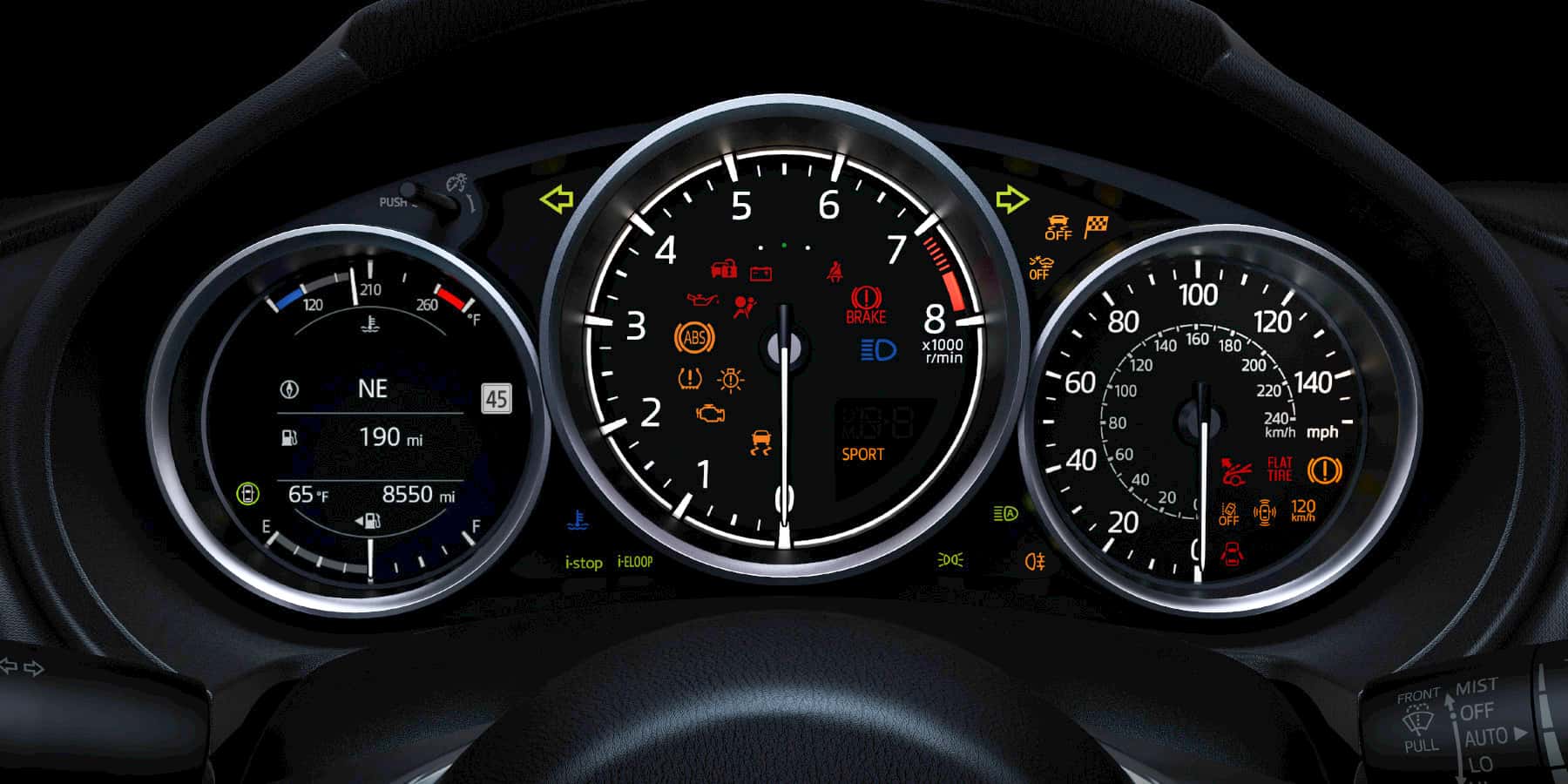
You need to know how to check gas mileage on your new Mazda vehicle, and thankfully, that information is easy to access. Your instrument cluster can tell you your current gas mileage as well as your average fuel mileage to date so you can compare with regular driving. Here’s how you can check the mileage on your Mazda model while you’re behind the wheel.
Current Fuel Economy
On your instrument cluster, the fuel economy meter (known as the ecometer) is located to the left of your speedometer. It displays a full range of your potential miles per gallon, from zero to the estimated maximum on your vehicle. Your current fuel economy is displayed at the top of this display for easy readability.
Average Fuel Economy
In addition to telling you the current fuel economy, your Mazda vehicle will also show you your average miles per gallon across your driving history. This is indicated by a red arrow on the ecometer, calculated every minute based on your total driven distance and fuel consumption. You can reset this by pressing the INFO button on your steering wheel for 1.5 seconds.
Improving Fuel Economy
There are many ways to improve your fuel economy if you feel that it’s too low. First, drive smoothly, take corners gently, and avoid hitting the brakes and accelerator whenever possible. You should also check your owner’s manual to verify your recommended fuel grade; this is the gas your model is designed for and will deliver optimal performance.
Learn How to Check Gas Mileage in Colmar, PA
Now that you know how to check the gas mileage on your vehicle, it’s time to bring your model in for service. Contact North Penn Mazda today to schedule a tune-up for your vehicle or get fuel economy recommendations.
0 comment(s) so far on How to Check Gas Mileage on Your New MAZDA Vehicle