



A Guide to Setting Up MAZDA Connect™ in Your New Car
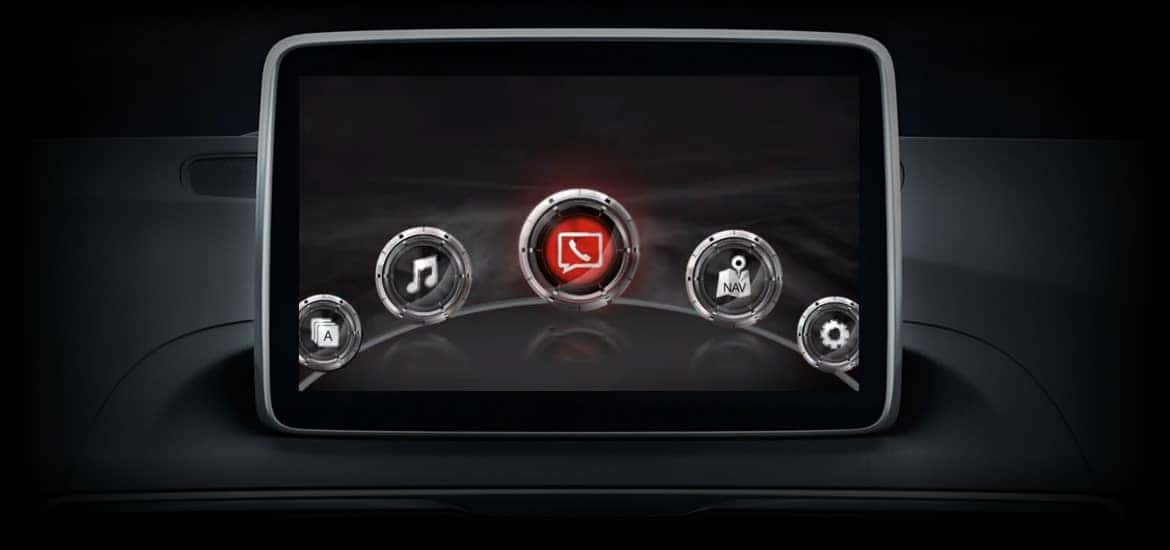
Are you going to buy a new Mazda vehicle? If so, you have lots to look forward to, including exciting features like Mazda Connect™. Mazda Connected Services™ and Mazda Connect™ combine to provide an enviable level of infotainment and connectivity for motorists and their passengers. To enjoy your vehicle’s inherent connectivity and infotainment offerings, follow our guide to set up Mazda Connect™. For additional help, contact North Penn Mazda.
Download the MyMAZDA™ App
Registering for Mazda Connect™ starts with downloading the MyMazda™ app, which only takes a minute or two. You can download the app by visiting the Apple App Store or the Google Play Store. The app is free to download and use.
Sign Up for a MyMAZDA™ Account
After downloading the MyMazda™ app, you must set up an account. Tap “Register” on the login screen, enter your email address, and press “Next.” From there, you’ll enter your phone number along with the six-digit validation code that will be sent via text. Then, you’ll choose whether to grant access to your contacts and tap “Next.”
Press “Add Vehicle”
Tapping the “Add Vehicle” button is all you need to do to register your new Mazda vehicle. Once your car is registered, press the “Sign Up” button, which you can find by tapping “My Mazda” and then hitting “My Vehicle.” You’ll then press “Start” to initiate your registration with Mazda Connect™.
Turn On Your MAZDA Car
After you agree to the service’s terms and conditions, you’ll need to start your Mazda automobile and touch the “Next” button. You’ll then hit “Request” to display another authorization code on your infotainment screen. Enter that code and press “Submit.” You’ll receive a notification once your Mazda Connect™ contract is complete.
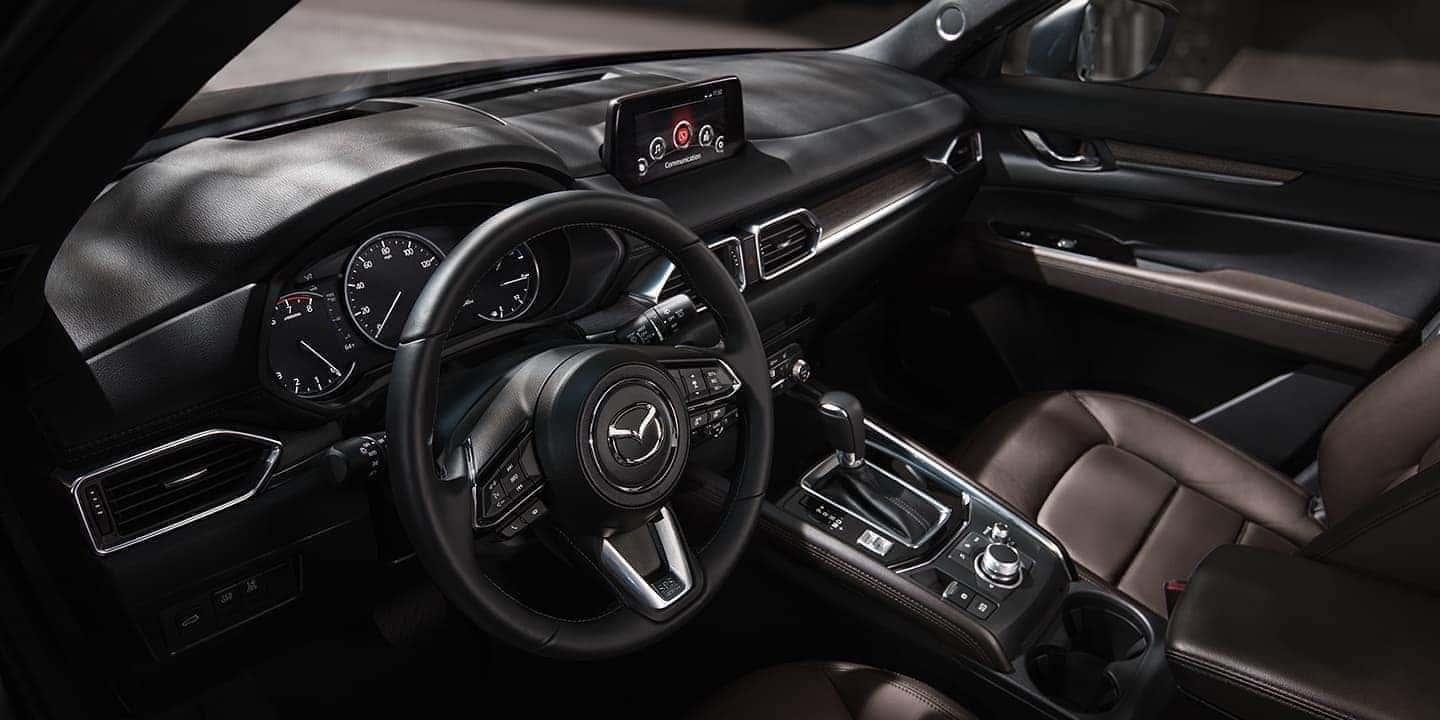
Test-Drive Tech-Forward MAZDA Vehicles in Colmar, PA
If you have questions about setting up features in your new car, visit our Colmar, PA, Mazda dealership. No matter where your travels take you, Mazda Connect™ will be available to you. Whether you have a new or pre-owned Mazda vehicle, you can use Mazda Connect™ to make and receive calls, keep yourself and your fellow travelers entertained, and more as long as your car is compatible with the system.
You may need to update Mazda Connect™ from time to time. Most newer models are capable of over-the-air updates, but if your car is older, you can update the system by visiting our Mazda service center.